
The best free Seobility alternative
Crawly is a free, native macOS SEO crawler. No 1,000-page cap. No weekly crawl schedule. No cloud account required. And it includes features Seobility does not have at any plan.
Why SEOs are looking for a Seobility alternative
Seobility offers a genuinely useful free tier, but the limitations stack up quickly. One project. 1,000 pages. Weekly crawl schedule. For any real site, that is not enough. Moving to a paid plan starts at €50 per month, which is a significant jump for what is essentially a cloud-based site crawler.
Crawly is a native macOS desktop application with no page limit, no project cap, and no scheduled crawl restriction. You run audits on demand, as often as you like, on sites of any size. All data is stored locally in SQLite so nothing goes to the cloud. It also ships with a Claude Code MCP integration for querying crawl results from your terminal, and a crawl diff feature that shows exactly what changed between two crawls, neither of which Seobility offers.
If you want a free Seobility alternative that actually handles real sites, Crawly is it.
Crawly vs Seobility
Seobility's free plan caps you at 1,000 pages and one project. Crawly gives you unlimited crawls, for nothing.
| Feature | Crawly Free | Seobility Free | Seobility Paid |
|---|---|---|---|
| Price | Free | Free | From €50 / month |
| Page limit | Unlimited | 1,000 pages | Unlimited |
| Platform | Native macOS | Web-based (cloud) | Web-based (cloud) |
| Claude Code MCP | ✓ | ✗ | ✗ |
| Crawl comparison (diff) | ✓ | ✗ | ✗ |
| Projects | Unlimited | 1 | Multiple |
| Desktop app | ✓ | ✗ | ✗ |
Seobility pricing correct as of May 2026. Based on publicly available feature documentation.
See it in action
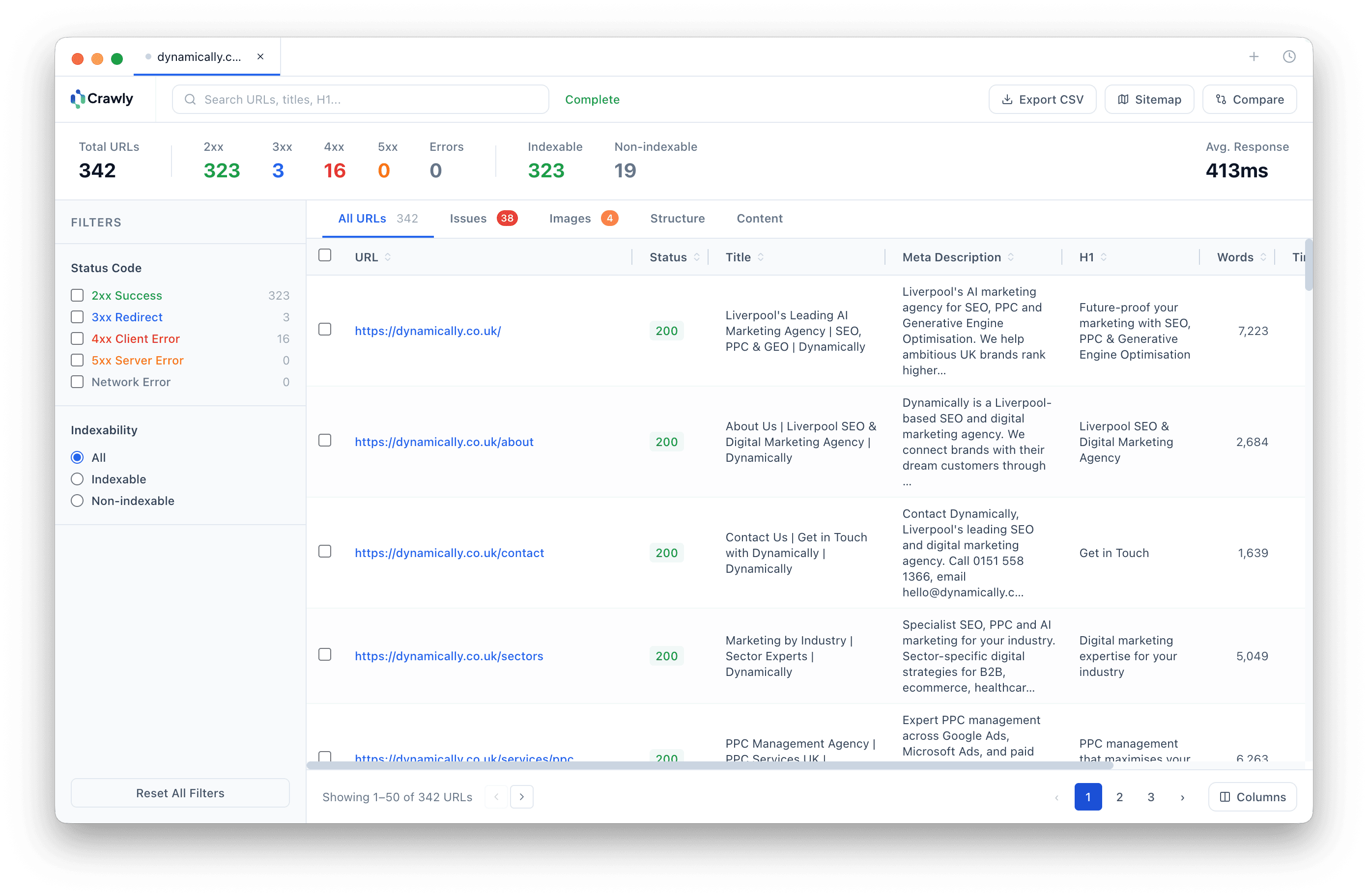
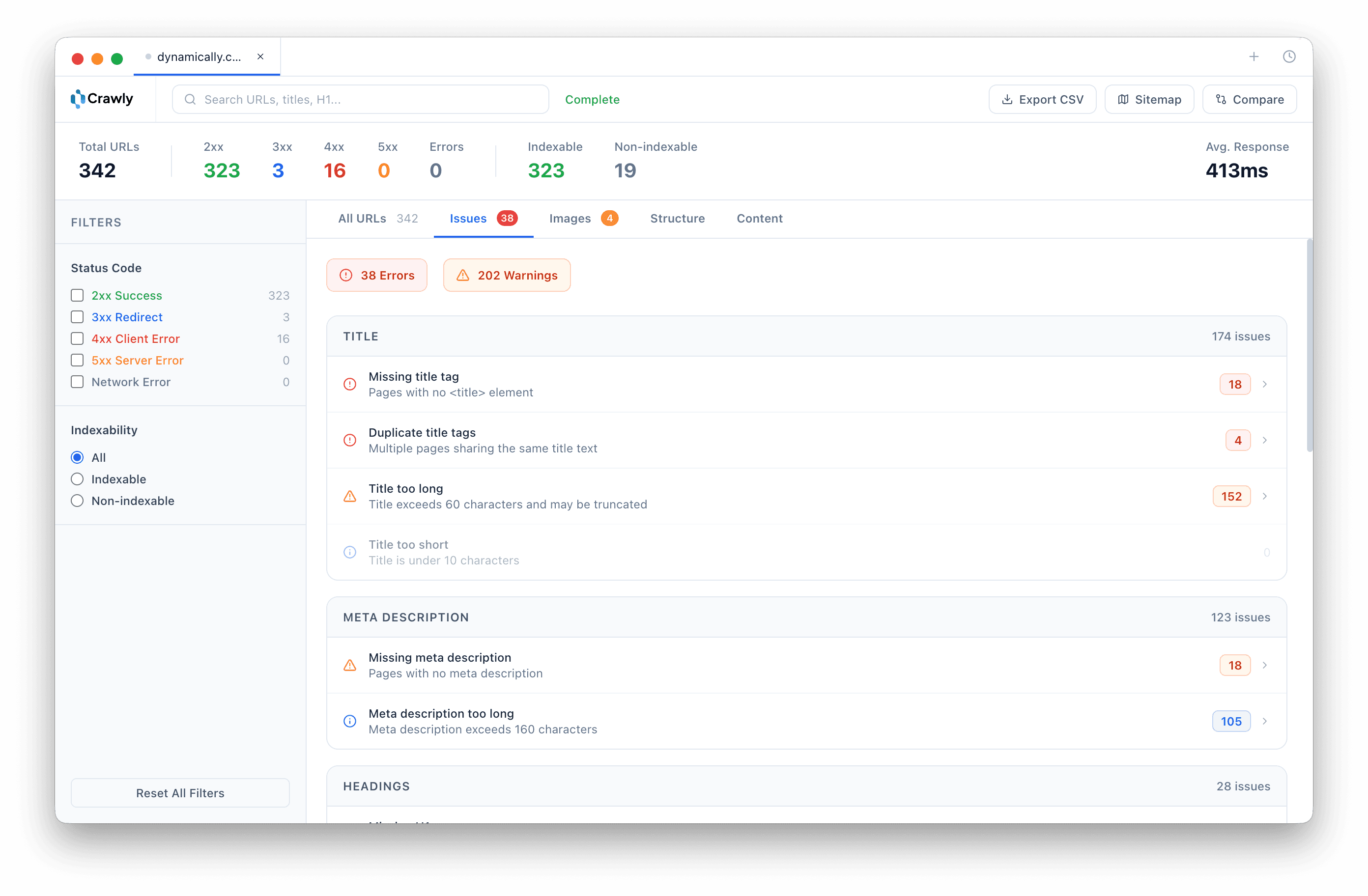
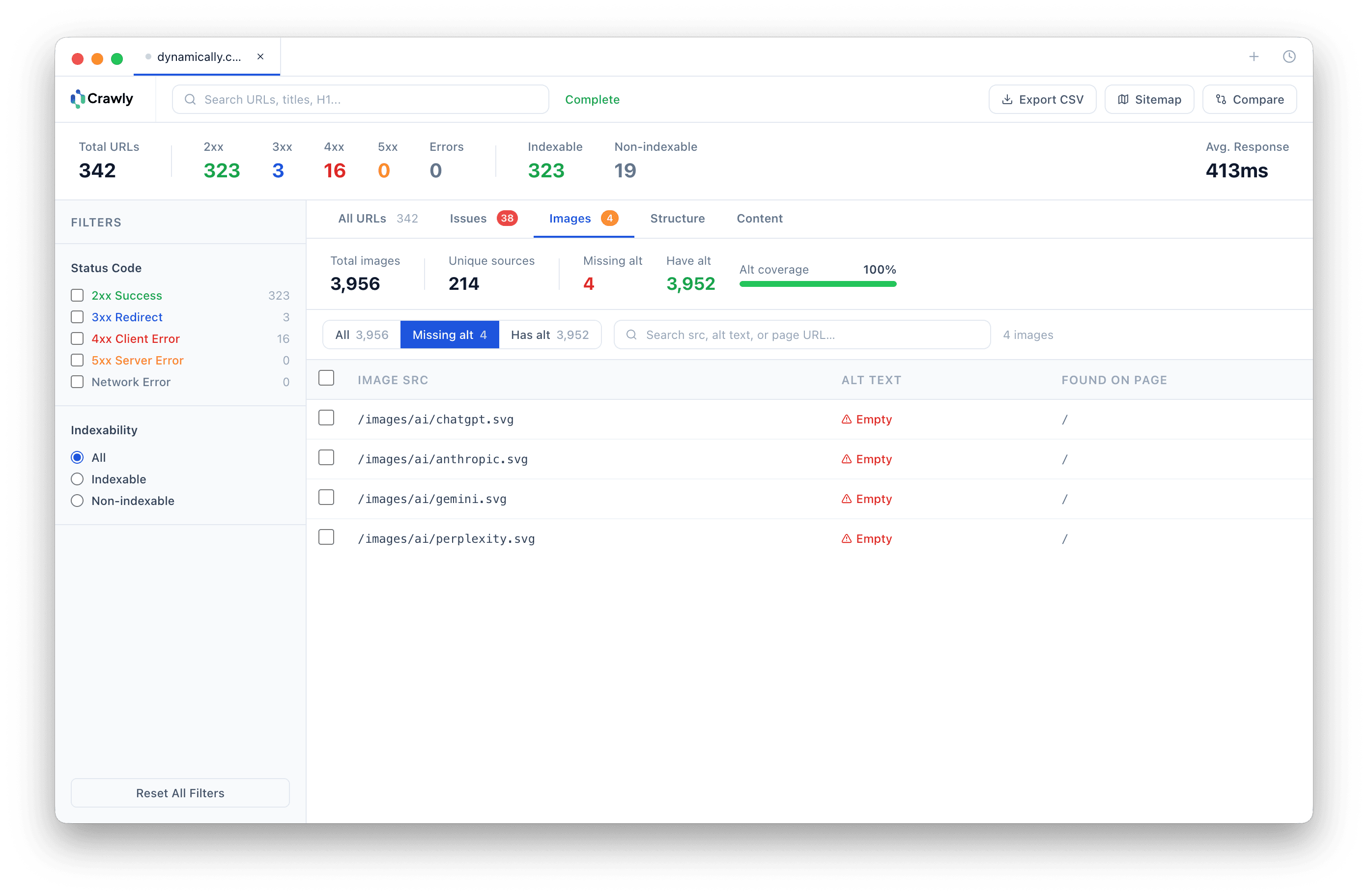
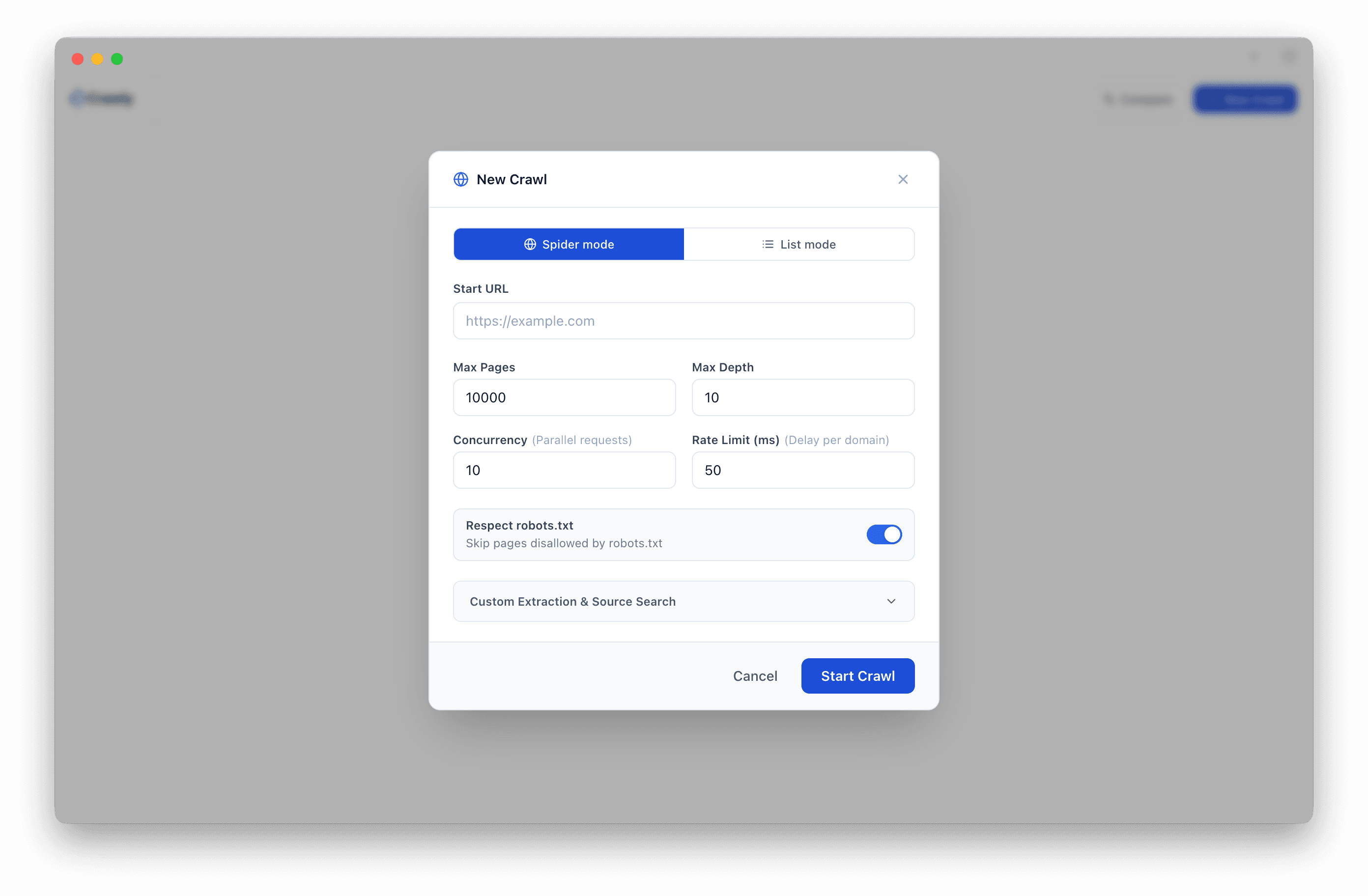
Clean, native macOS interface. No cloud account. No browser tab. Just your data.
Frequently asked questions
- Is Seobility really free? What are the limits?
- Seobility has a free plan, but it is significantly limited. You get one project, a maximum of 1,000 pages crawled, and crawls run on a weekly schedule. For any site with more than 1,000 pages, or if you need on-demand audits, the free tier quickly becomes too restrictive.
- How does Crawly compare to Seobility's free plan?
- Crawly has no page limit, no project cap, and no crawl schedule. You can crawl any size site, whenever you want, as many times as you like. Crawly also stores all data locally with no cloud account required, and includes a Claude Code MCP integration and crawl comparison feature that Seobility does not offer at any tier.
- Can Crawly replace Seobility?
- For technical SEO auditing, yes. Crawly covers on-page issue detection, redirect analysis, image auditing, hreflang checks, security header audits, and crawl comparisons. Seobility also includes some rank tracking and backlink features. If you need those specifically, Seobility's paid plan has value. For pure crawling and auditing, Crawly is more capable and costs nothing.
- How many pages can Crawly crawl?
- Crawly has no hard page limit. You can crawl as many pages as the site contains, with no quota and no schedule. You can also configure crawl depth, concurrency, and rate limiting to suit sites of any size.
- Does Crawly work offline?
- Yes. Crawly is a native macOS desktop app that stores all crawl data locally in SQLite. You do not need an internet connection to review past crawls, diff results, or browse crawl history. The only time you need a connection is when crawling a live site.
- Does Crawly work on Mac?
- Crawly is a native macOS application, built for Apple Silicon and Intel Macs running macOS 12 or later. It is not available for Windows or Linux.
- What SEO issues does Crawly detect?
- Crawly automatically checks for 19 issue types covering titles, meta descriptions, headings, status codes, redirects, indexability, images, security headers, hreflang, and near-duplicate content. Issues are grouped by severity: errors, warnings, and opportunities.
Also comparing? Crawly vs Screaming Frog · Crawly vs Sitebulb · Crawly vs Ahrefs · Crawly vs Semrush · Crawly vs Sitechecker
How to switch from Seobility to Crawly
- Note what you need from Seobility. Its free tier caps crawls at 1,000 pages on a weekly schedule, so save any reports you rely on.
- Download Crawly. There is no page cap and you crawl on demand, not on a fixed weekly schedule.
- Run your first crawl. Audit the whole site in one pass and review issues by severity.
- Cover backlinks too. Use our free backlink checker to see referring domains and quality for any domain.
Start crawling smarter
Download Crawly for free. Connect to Claude Code via MCP and start auditing your site in minutes.
Download free