
A simpler free SEOnaut alternative
SEOnaut is a solid open-source crawler, but it requires a server to run. Crawly is a native Mac app - download it and start auditing immediately. With Claude Code MCP, crawl comparison, and security headers built in.
Crawly vs SEOnaut: what is the difference?
SEOnaut is a free, open-source SEO auditing tool that runs as a self-hosted web application. It identifies crawlability and indexing issues, helps you understand site structure, and tracks technical SEO metrics. Being open source means you can inspect the code, self-host it on your own infrastructure, and keep full control of your data.
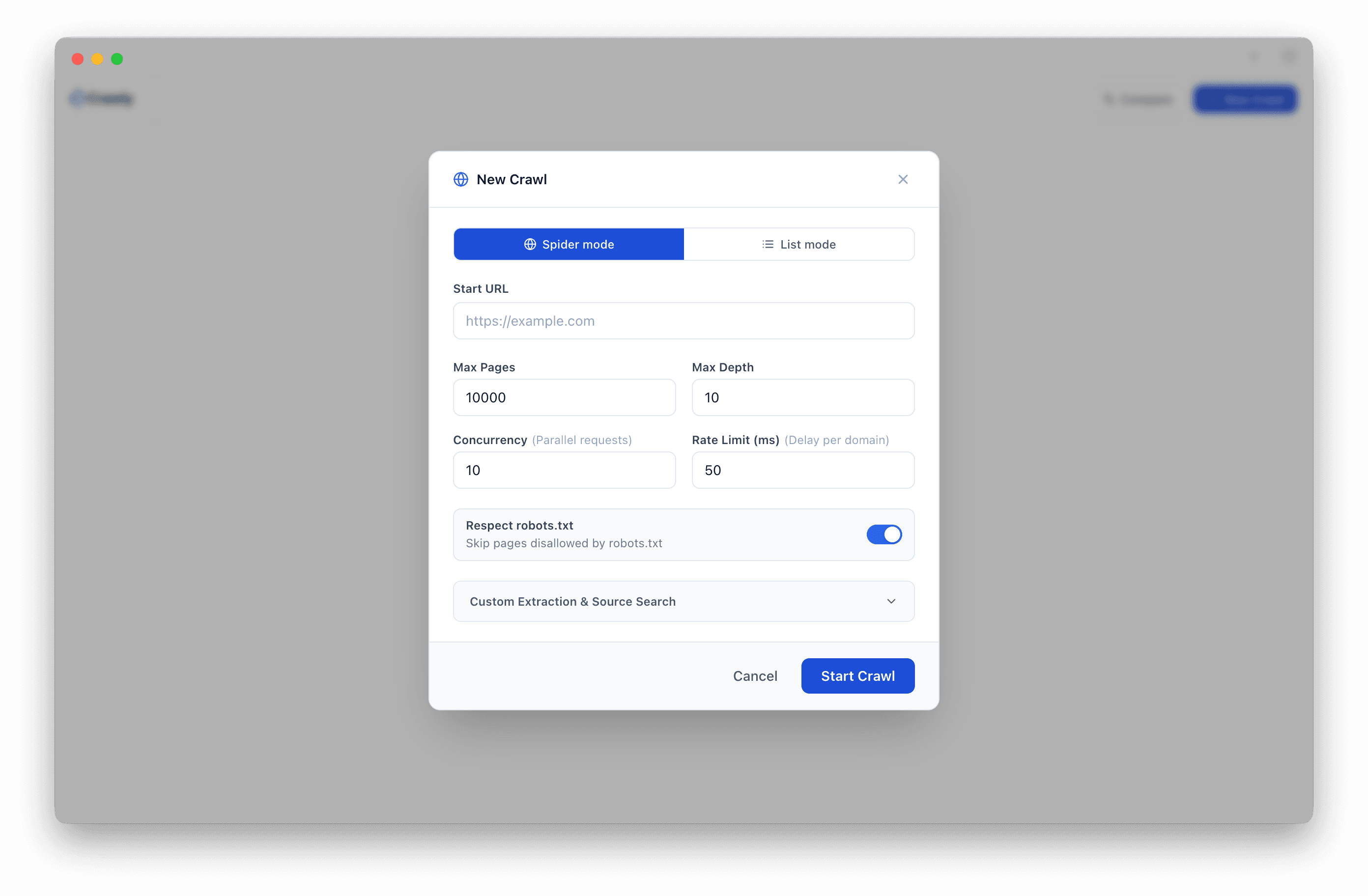
The requirement to self-host is the main friction point. To use SEOnaut, you need a server running Docker and enough technical confidence to manage the setup. For individual SEOs or small teams without that infrastructure, the barrier is high.
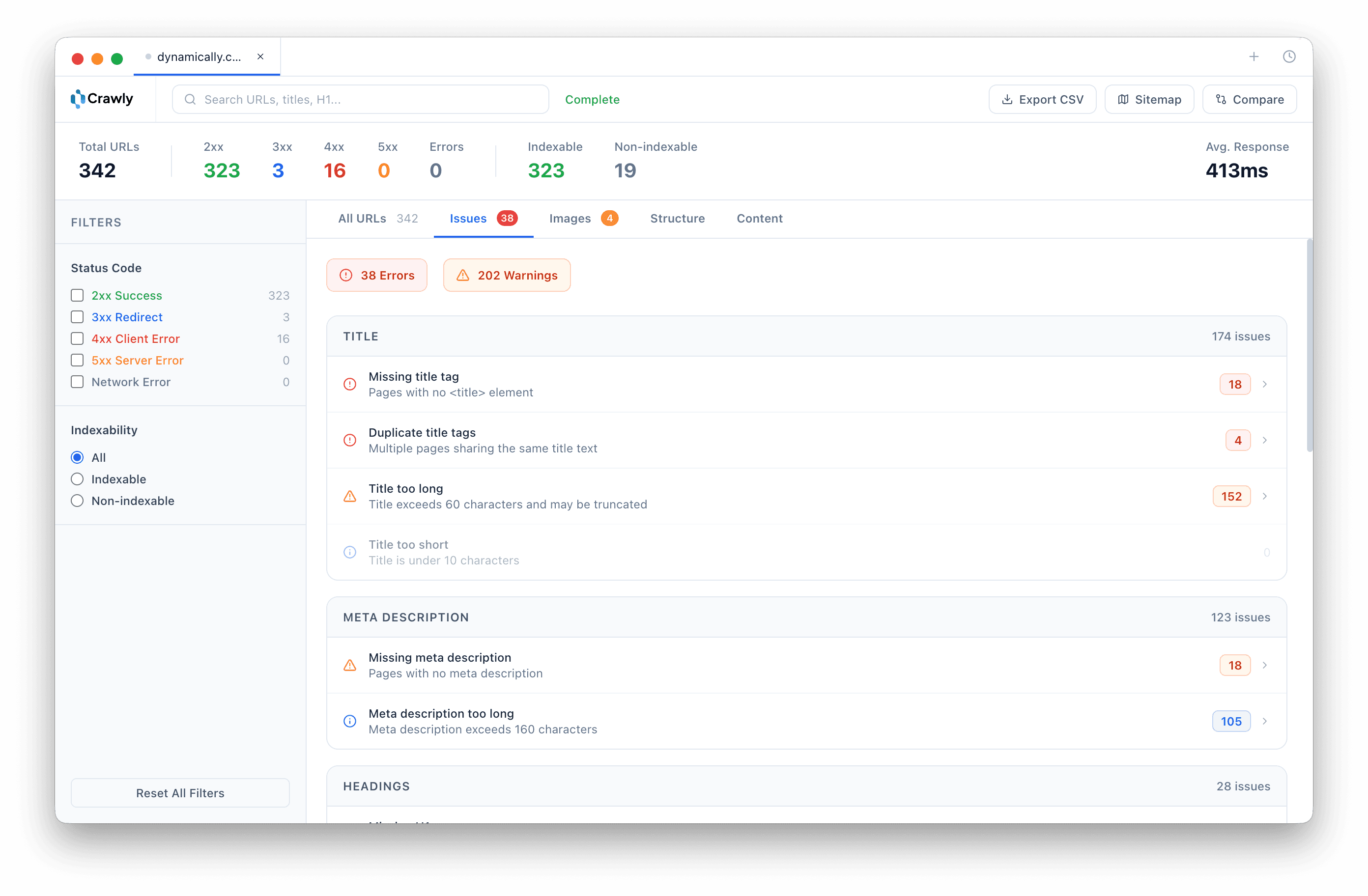
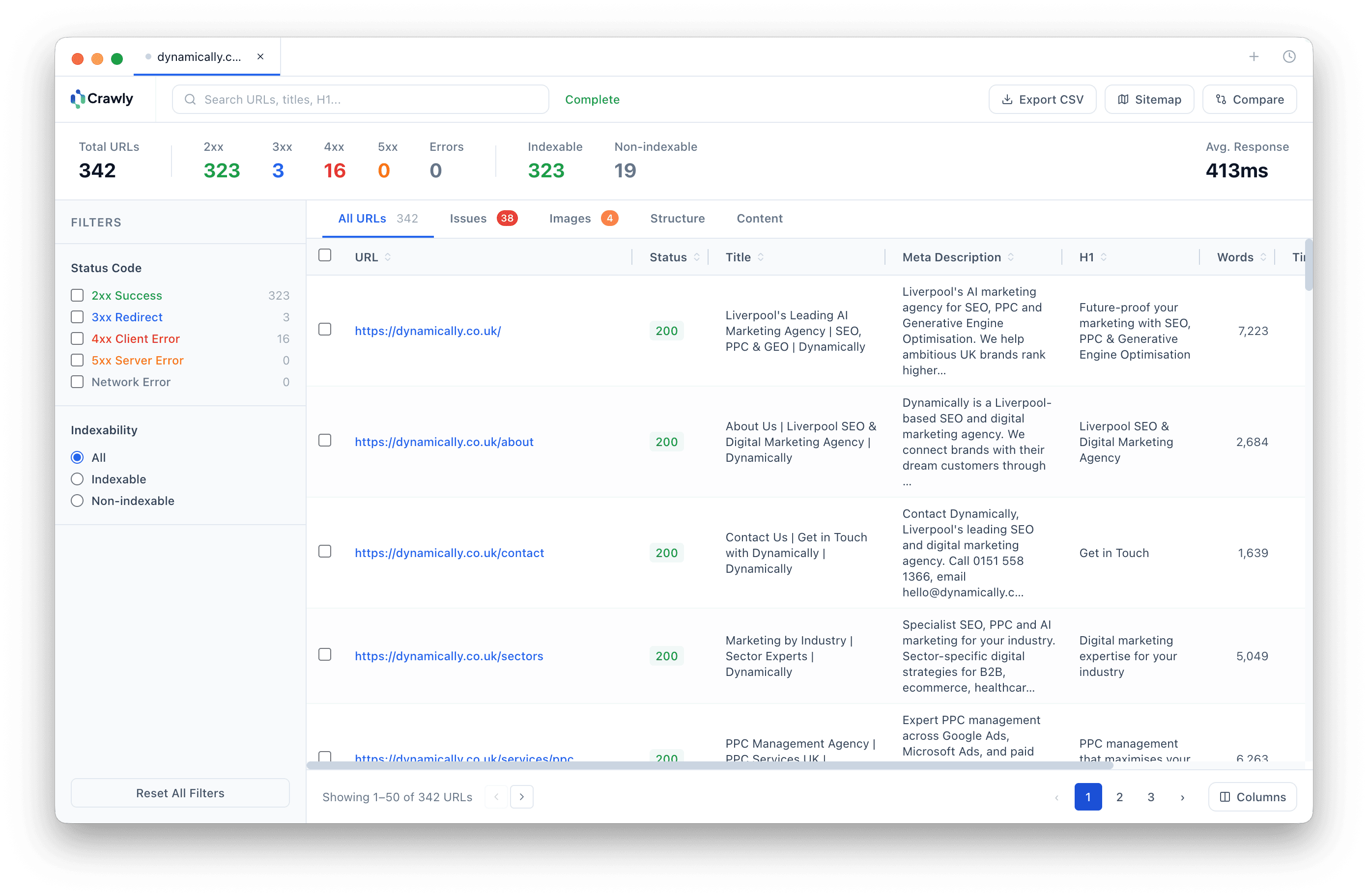
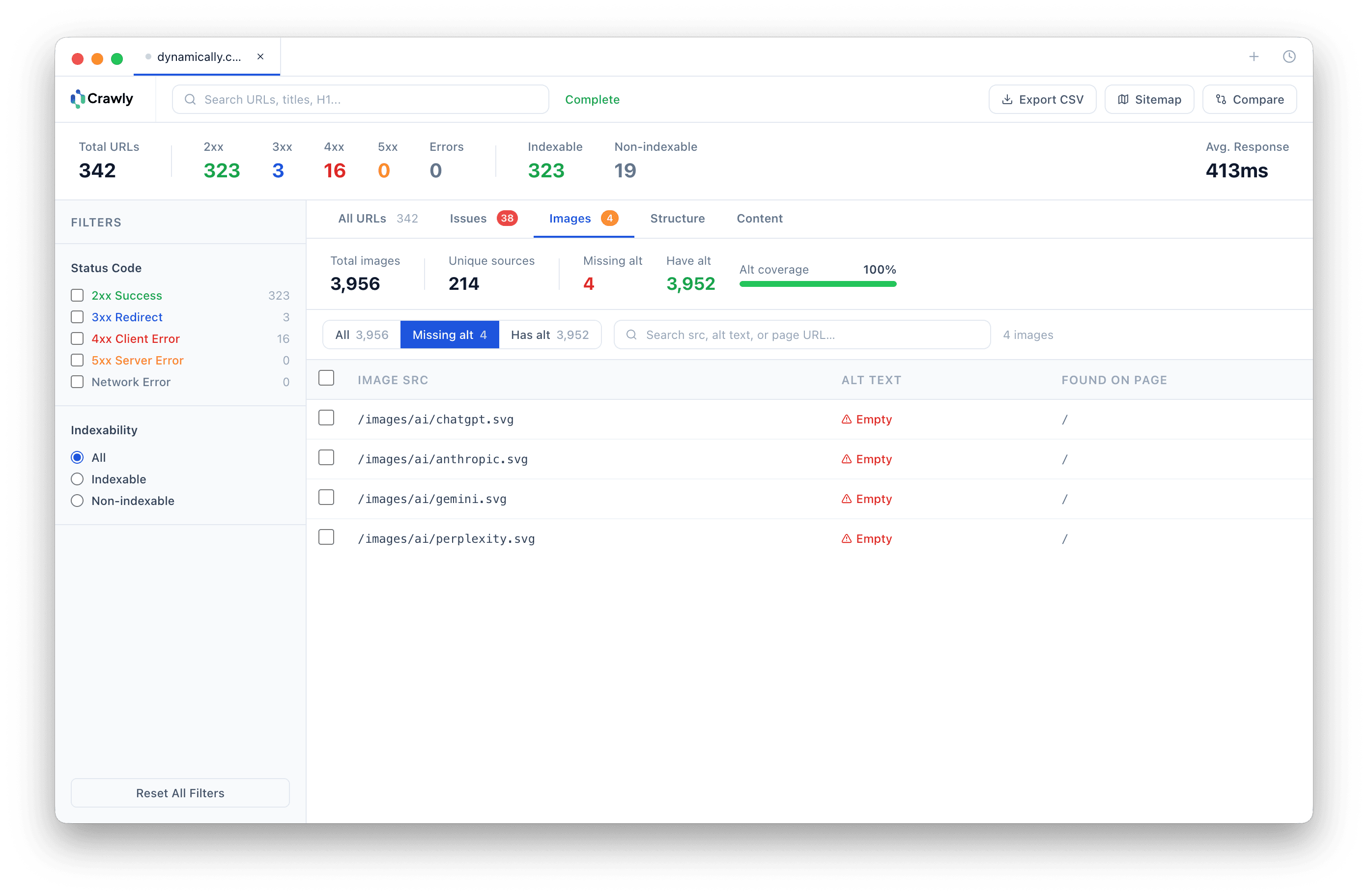
Crawly is a native macOS desktop app. There is nothing to host or configure - download it and open it. It also includes features SEOnaut does not: crawl comparison for diffing audits, security header auditing, image audit, hreflang validation, saved crawl history, and a Claude Code MCP server that lets you query your crawl data in plain English from your terminal. To cover off-page signals too, pair it with our free backlink checker for referring domains on any site.
Crawly vs SEOnaut
Both free. One needs a server. One does not.
| Feature | Crawly Free | SEOnaut |
|---|---|---|
| Price | Free | Free |
| Platform | Native macOS app | Self-hosted web app |
| Setup | Download and open | Server/Docker required |
| Page limit | Unlimited | Unlimited |
| Claude Code MCP | ||
| Crawl comparison (diff) | ||
| Issues dashboard | ||
| Security header checks | ||
| Hreflang audit | ||
| Image audit | ||
| Saved crawl history | ||
| XML sitemap export | ||
| Open source |
Based on publicly available feature documentation as of May 2026.
See it in action
Native macOS. No Docker. No setup. Just crawl.
Frequently asked questions
- What is SEOnaut?
- SEOnaut is a free, open-source SEO site audit tool. It is self-hosted - you run it on your own server or via Docker - and provides a web-based interface for auditing crawlability, indexability, and key technical SEO metrics. It is a solid tool for developers comfortable with server infrastructure.
- What is the main difference between Crawly and SEOnaut?
- The most immediate difference is setup. SEOnaut requires a server and Docker to run. Crawly is a native macOS desktop app - download it, open it, and you are crawling in seconds. Beyond that, Crawly includes crawl comparison for diffing audits over time, security header checks, image auditing, hreflang validation, and a Claude Code MCP server that SEOnaut does not have.
- Does Crawly require any server or infrastructure?
- No. Crawly is a native macOS desktop application. All crawling happens locally on your Mac. There is nothing to host, no Docker image to run, and no configuration files to manage.
- Does Crawly work with Claude Code like an MCP tool?
- Yes. Crawly ships with a built-in MCP server that integrates with Claude Code, Cursor, Codex, and Windsurf. You can ask questions about your crawl data in plain English - list all 4xx errors, find pages missing meta descriptions, identify redirect chains - directly from your terminal.
- When would SEOnaut be a better fit?
- SEOnaut is open source under the MIT licence, which makes it attractive for teams who want to inspect or modify the source code, deploy it on shared infrastructure, or integrate it into a custom workflow. If you need a self-hosted, team-accessible crawler and are comfortable with Docker, SEOnaut is worth evaluating.
Also comparing? Crawly vs Screaming Frog · Crawly vs Sitebulb · Crawly vs BeamUsUp · Crawly vs SEO Tracer · Crawly vs LibreCrawl
Want to use Crawly with Claude Code? Read the Claude Code MCP setup guide

Start crawling smarter
Download Crawly for free. Connect to Claude Code via MCP and start auditing your site in minutes.
Download free