
SEO crawler built
for developers
Crawly ships with a built-in MCP server. Connect to Claude Code and query crawl data in plain English from your terminal. No CSV exports. No browser dashboards.
macOS 12 or later - Apple Silicon and Intel
Why developers use Crawly
SEO data in your terminal, not a browser tab.
Built-in MCP server
No plugins, no configuration beyond one line in your MCP config. The server activates as soon as Crawly runs a crawl.
Natural language queries
Ask Claude 'which pages are missing meta descriptions?', 'show me all 4xx errors and the pages that link to them', 'what redirect chains exist?' — in plain English from your terminal.
Local SQLite database
All crawl data is stored in a local SQLite file. Direct database access for custom queries and scripts. Your data, your machine.
Trigger crawls from Claude
Use the crawl_site MCP tool to start a crawl directly from Claude Code. No need to switch to the GUI.
Works with any MCP client
Claude Code, Cursor, Codex, Windsurf. Configure once, use everywhere. Any tool that supports the Model Context Protocol works out of the box.
No cloud dependency
All data stays on your machine. No API rate limits, no monthly quotas, no internet connection needed to query data.
One config entry. That's it.
Add Crawly to your MCP client config and you're done. No API keys, no accounts, no cloud setup.
{
  "mcpServers": {
    "crawly": {
      "command": "/path/to/crawly-mcp"
    }
  }
}
Works with Claude Code, Cursor, Codex and any other MCP-compatible client. Full setup guide
Available MCP tools
Every tool is available from your first crawl. No configuration required.
| Tool | What it does |
|---|---|
| crawl_site | Trigger a new crawl from your terminal |
| get_issues | Return all detected SEO issues, filterable by type or severity |
| get_pages | Query page data: status, title, H1, meta description, indexability |
| get_inlinks | Find all pages linking to a given URL |
| get_issue_diff | Compare issues between two crawls |
| get_broken_with_inlinks | List broken URLs with the pages that link to them |
| validate_schema | Check structured data on any page |
| get_linking_suggestions | Surface internal linking opportunities based on crawl data |
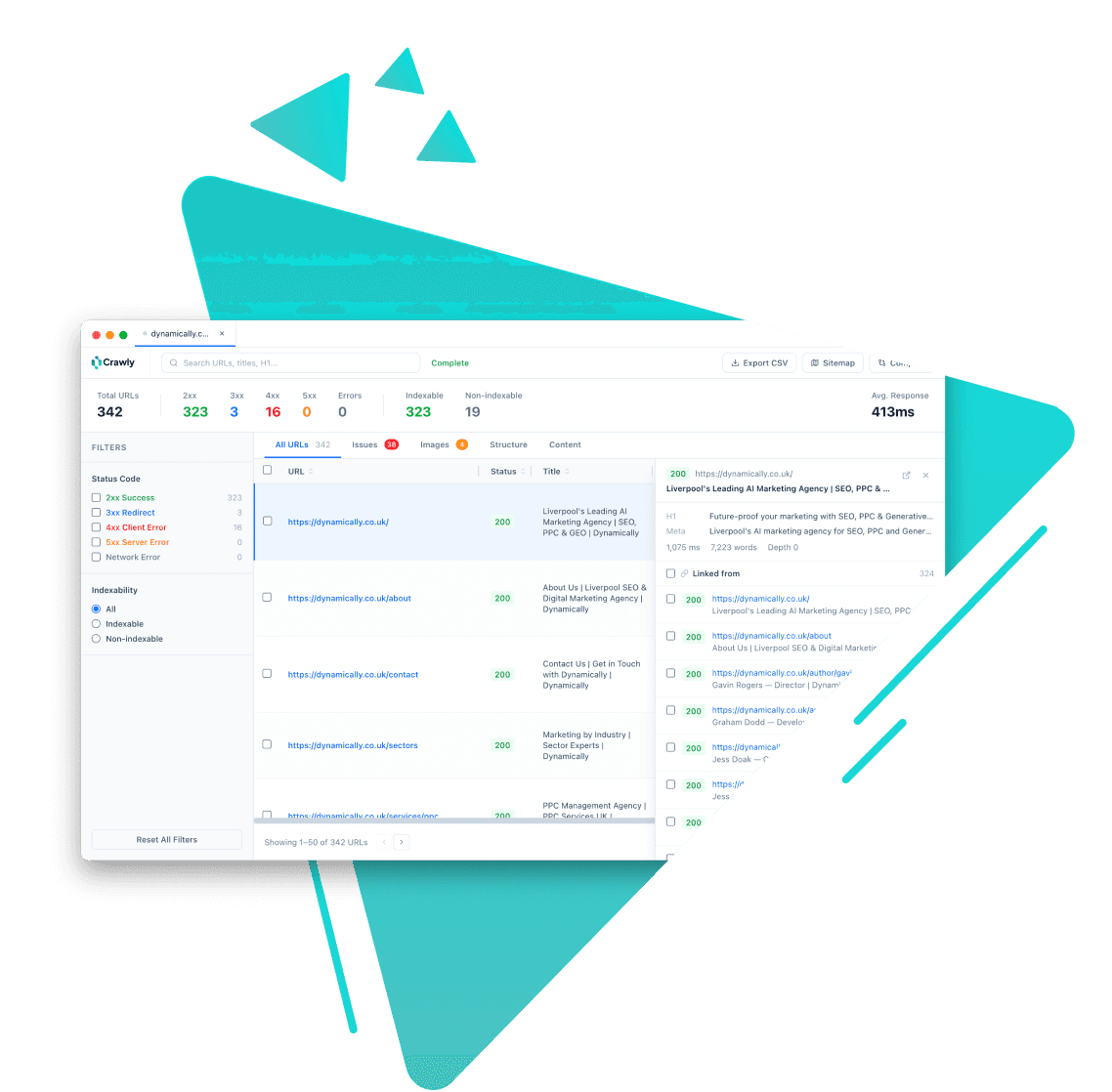
Crawly stores all data locally. Query it via the MCP server or access the SQLite database directly.
Frequently asked questions
What is the Crawly MCP server?
Crawly includes a built-in MCP (Model Context Protocol) server that exposes your crawl data to AI coding assistants. Once configured, tools like Claude Code can query your crawl data directly using natural language or structured tool calls.
Which AI coding tools does it work with?
Any tool that supports the Model Context Protocol. This includes Claude Code, Cursor, Codex and Windsurf. If a new MCP-compatible client is released, Crawly works with it automatically.
Can I query the SQLite database directly?
Yes. Crawly stores all crawl data in a local SQLite file on your machine. You can query it directly with any SQLite client or scripting language. The schema is straightforward: pages, issues, links and images.
Does Crawly have a CLI or API?
Crawly does not have a standalone CLI, but the MCP server effectively gives you programmatic access to crawl data and the ability to trigger crawls from your terminal via any MCP client. A REST API is on the roadmap.
Is the MCP integration free?
Yes. The MCP server is included in Crawly at no extra cost. There is no developer tier or paid plan required to access it.
How do I set it up?
Download and run Crawly. Then add one entry to your MCP client's config file pointing to the Crawly MCP binary. Full setup instructions are on the MCP integration page.

Start crawling smarter
Download Crawly for free. Connect to Claude Code via MCP and start auditing your site in minutes.
Download free