
Claude Code MCP Integration
Query your crawl data in plain English from your terminal.
Crawly is the only SEO crawler with a built-in Model Context Protocol (MCP) server. Connect it to Claude Code, Cursor, or Codex and your crawl data becomes queryable in plain English from your terminal.
Instead of filtering tables and exporting spreadsheets, you ask questions and get answers - which pages are missing meta descriptions, what the top issues are, which URLs changed between crawls.
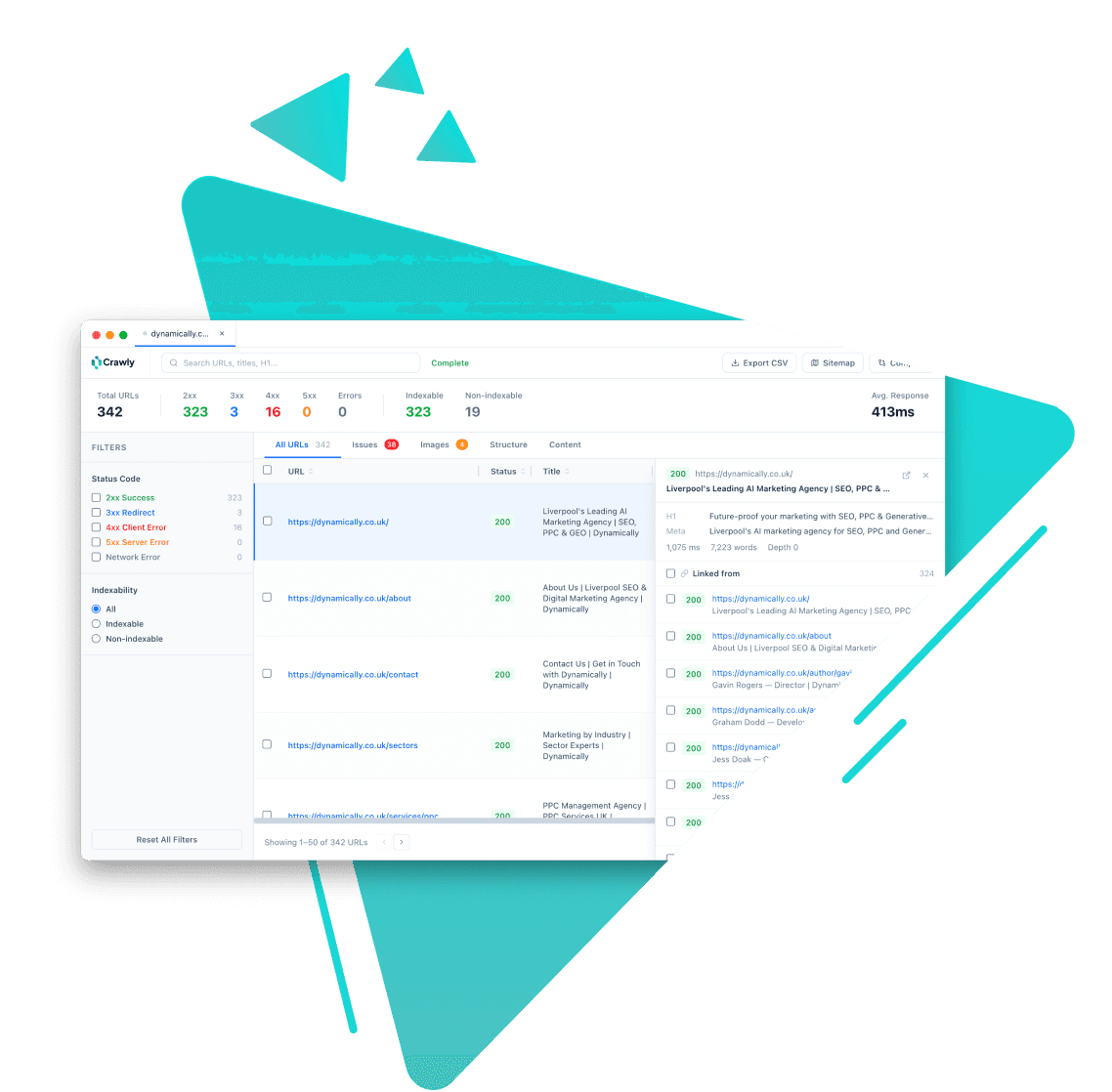
How it works
- 1
Run a crawl in Crawly. The data is stored in a local SQLite database.
- 2
Add Crawly to your Claude Code MCP config (one line in your settings file).
- 3
Open Claude Code. Crawly's tools are now available to Claude automatically.
- 4
Ask questions in plain English. Claude calls the right Crawly tools and returns results.
Why it matters
No export step
Crawl data lives in a local database. Claude queries it directly - you never export a CSV or open a spreadsheet.
Works in both directions
You can trigger a new crawl from Claude Code using the crawl_site tool. The crawl appears in the Crawly app and is immediately queryable.
Any AI coding tool
Crawly's MCP server works with any MCP-compatible client - Claude Code, Cursor, Codex, Windsurf. Configure once, use everywhere.
Use cases
Rapid site audit reports
Ask Claude to summarise the top SEO issues from a crawl. Get a structured, prioritised breakdown in seconds rather than spending an hour in the app.
Migration diffs in natural language
Ask what changed between two crawls in plain English. Claude calls get_issue_diff and returns added, removed, and changed URLs with field-level details.
Competitor analysis
Crawl any site - not just ones you own - and ask Claude about its structure, issue types, schema usage, or content depth.
Ready to get started? How to set up the Claude Code MCP integration →
Related features

Start crawling smarter
Download Crawly for free. Connect to Claude Code via MCP and start auditing your site in minutes.
Download free