
Crawl Comparison
See exactly what changed between any two crawls.
Most SEO crawlers give you a snapshot. Crawly's crawl comparison turns those snapshots into a living record of how a site evolves.
Run a crawl before and after a site change - a CMS migration, a redesign, a content update - and Crawly will diff them automatically. Every URL that was added, removed, or changed between the two crawls appears in a clear, filterable table.
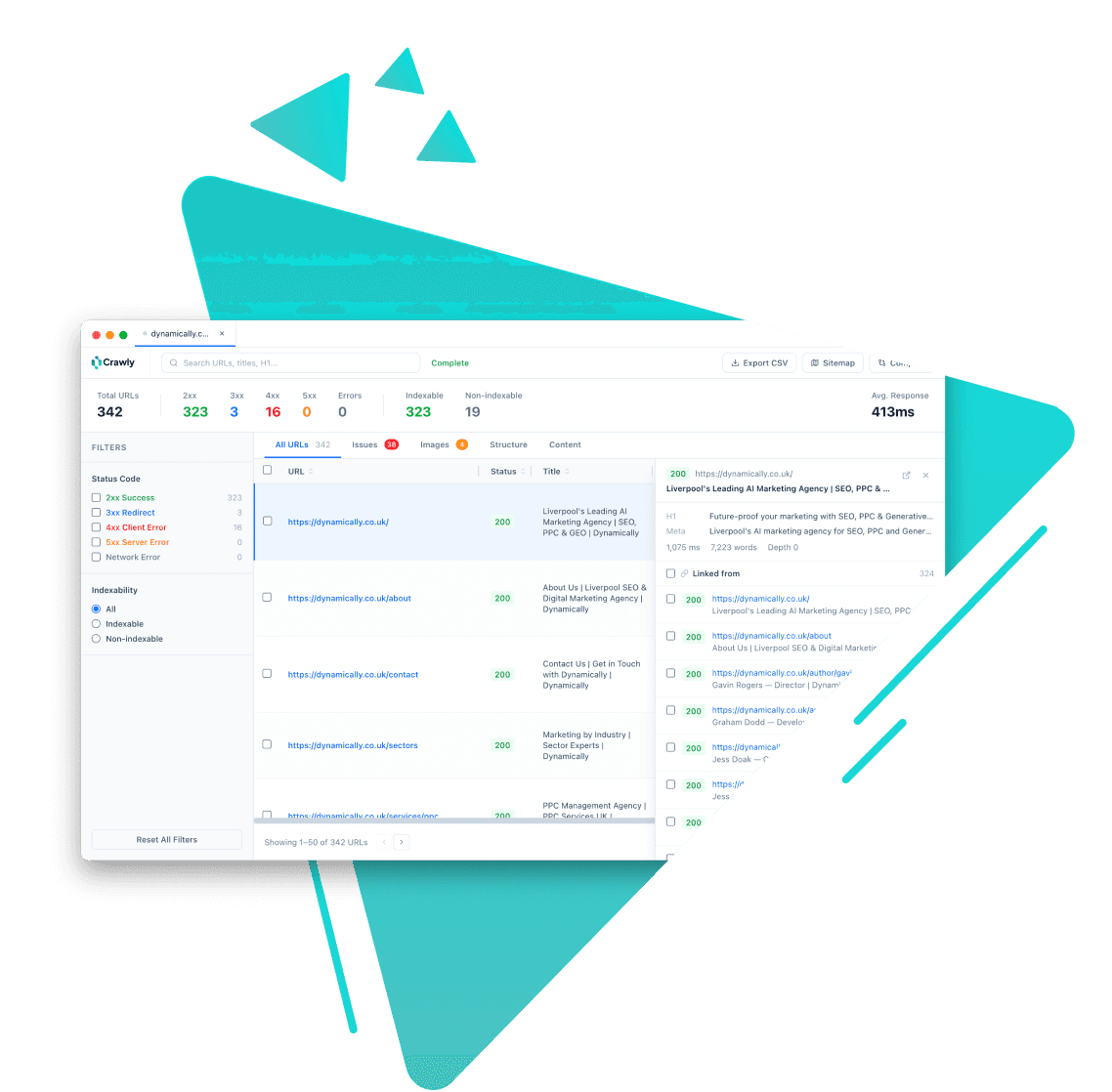
How it works
- 1
Run your first crawl and let Crawly store it locally.
- 2
Make your changes, wait for them to go live, then run a second crawl.
- 3
Open the Crawl Comparison panel and select the two crawls to diff.
- 4
Crawly produces three lists: added URLs, removed URLs, and changed URLs - each with field-level diffs showing exactly what changed.
Why it matters
Field-level diffs
Changed URLs show exactly which fields changed - title, H1, status code, or indexability - not just that something changed. No guesswork about what went wrong.
Catch regressions immediately
Pages that went from 200 to 404, became non-indexable, or lost their title tags appear the moment the post-change crawl completes.
No export required
The comparison runs against crawls stored locally. No export, no spreadsheet merge, no manual VLOOKUP - just select two crawls and read the diff.
Use cases
Site migrations
Crawl the old site before migration and the new site after. Catch missing redirects, lost titles, and newly non-indexable pages before clients notice.
CMS updates
Plugin updates and theme changes can silently break pages. A before-and-after crawl comparison catches these regressions immediately.
Ongoing SEO monitoring
Run weekly crawls and diff them to see what changed on a live site - useful for large sites where content editors make frequent changes.
Related features

Start crawling smarter
Download Crawly for free. Connect to Claude Code via MCP and start auditing your site in minutes.
Download free